1. Log in to your AutoEdGE Sales University account
2. Go to your My Account page (Top Right)
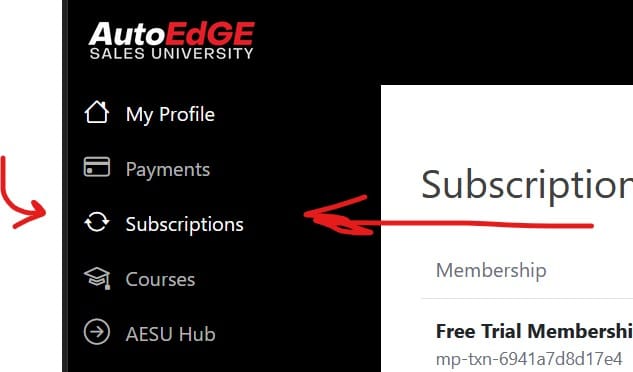
3. Click Subscriptions in the menu
4. Find your active corporate subscription
5. Click the three-dot menu (⋯) on the far right
6. Choose Sub-Accounts
7. Add or remove team members as needed
Tip: Sub-Accounts is where you can add your sales reps under your corporate plan.
My Account Page
Subscription Page